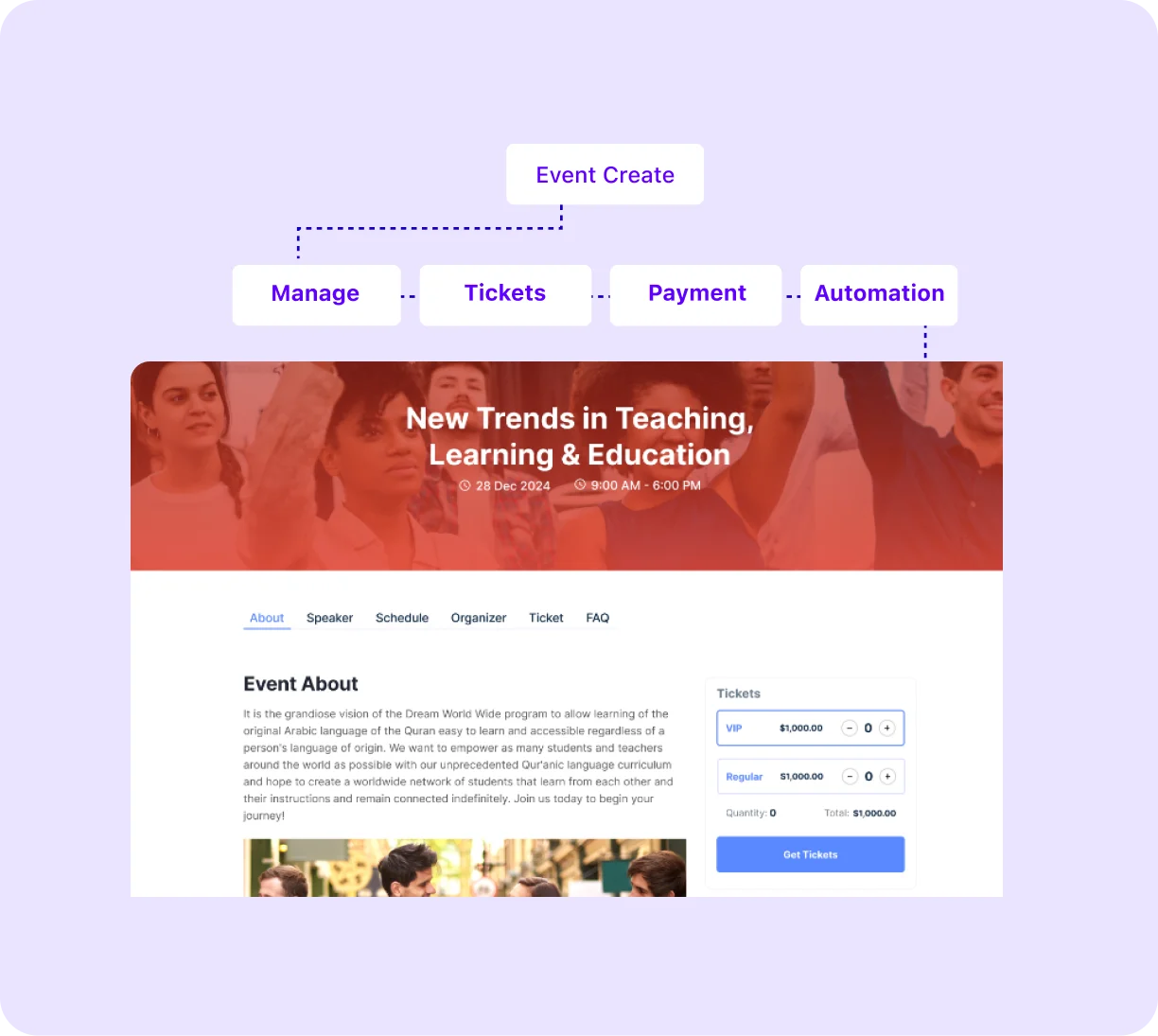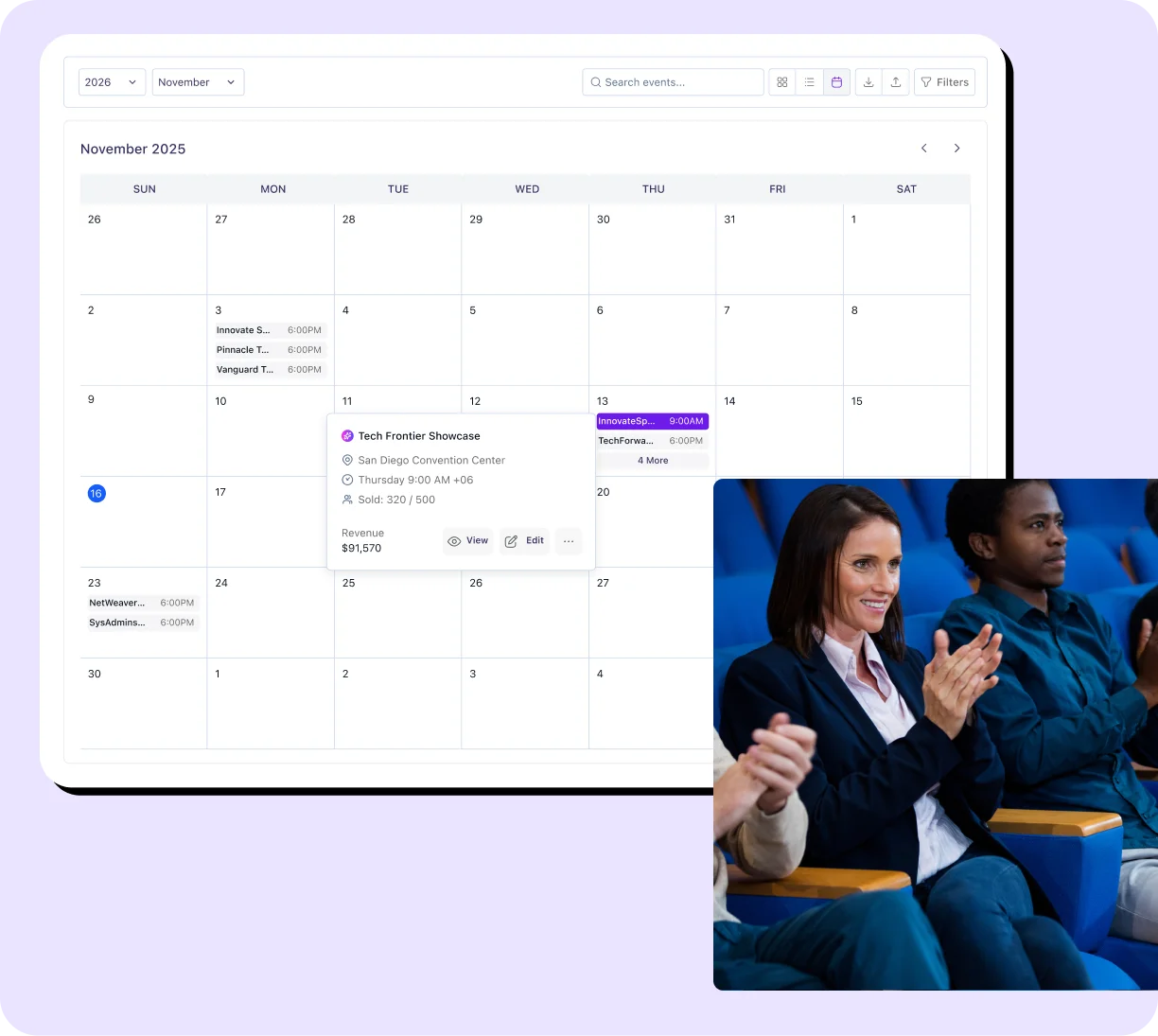

Display your upcoming events in a clean, filterable calendar with daily, weekly, and monthly views. Eventin goes beyond display and connects your event calendar to a complete management system.
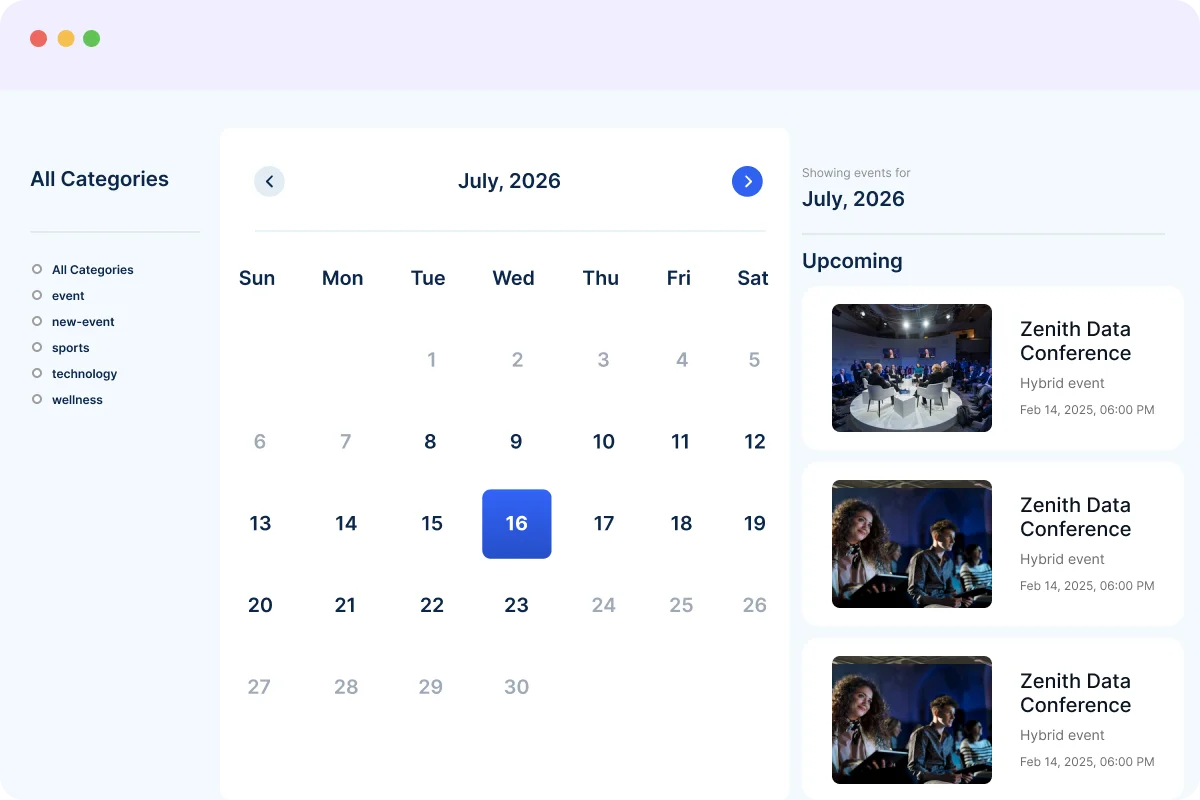
Show your events using monthly, weekly, daily, list, or countdown views inside your WordPress event calendar. Visitors can switch between views easily without page reloads. You can also set recurring events, and each occurrence appears automatically with its own availability and registration details.
See Calendar Views →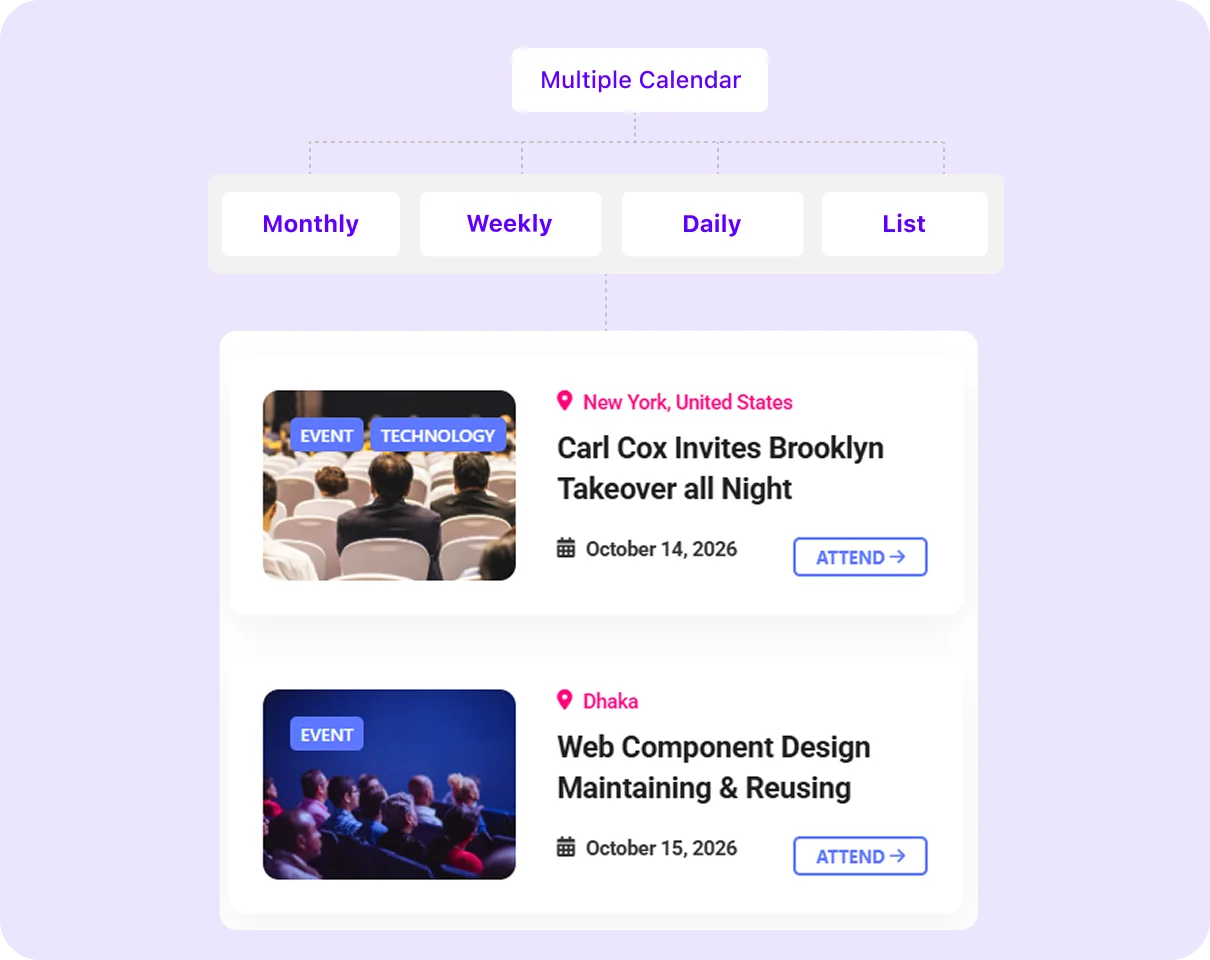
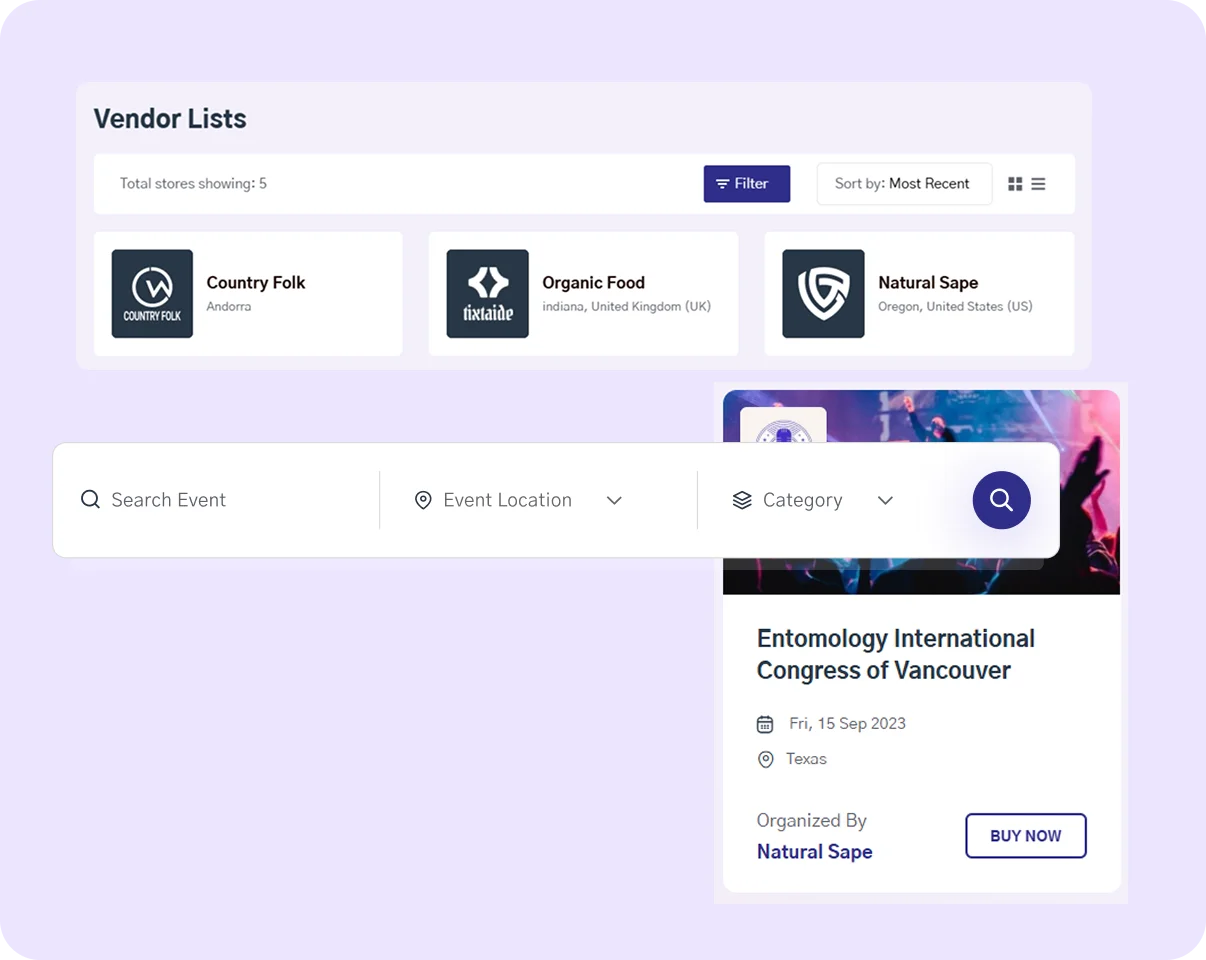
Eventin includes advanced filtering options that allow users to search events by category, location, date range, and event type. Visitors can narrow down results in seconds and explore only the events they are interested in, improving user experience and event discovery.
Explore Filtering →Each event page includes options to add events to Google Calendar, Outlook, Yahoo, or iCal with one click. All event details, such as date, time, location, and links, are automatically included, helping attendees remember and join events without manual input.
Enable Calendar Sync →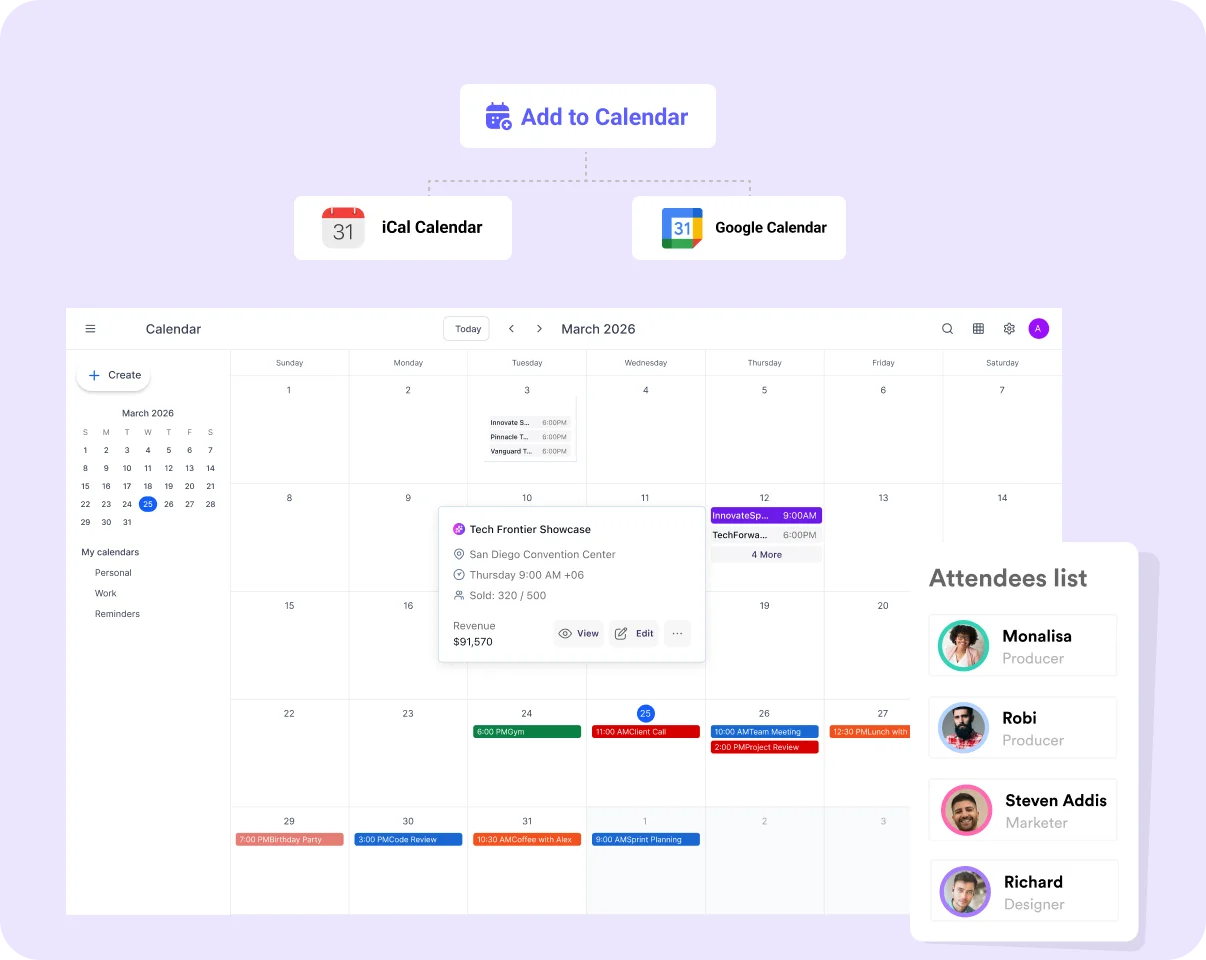

You can display your WordPress events calendar using a simple shortcode or the built-in Elementor widget. Customize views, layouts, and categories directly from your dashboard and place the calendar on any page with full control over how it looks and functions.
Add Calendar to Your Site →Genuine feedback and reviews from real users to prove our work is the best.
The world's most recognized brands trust Eventin.










Eventin helps you set up a free WordPress event calendar with daily, weekly, and monthly views in minutes.
How to Set Up an Event Calendar With Eventin
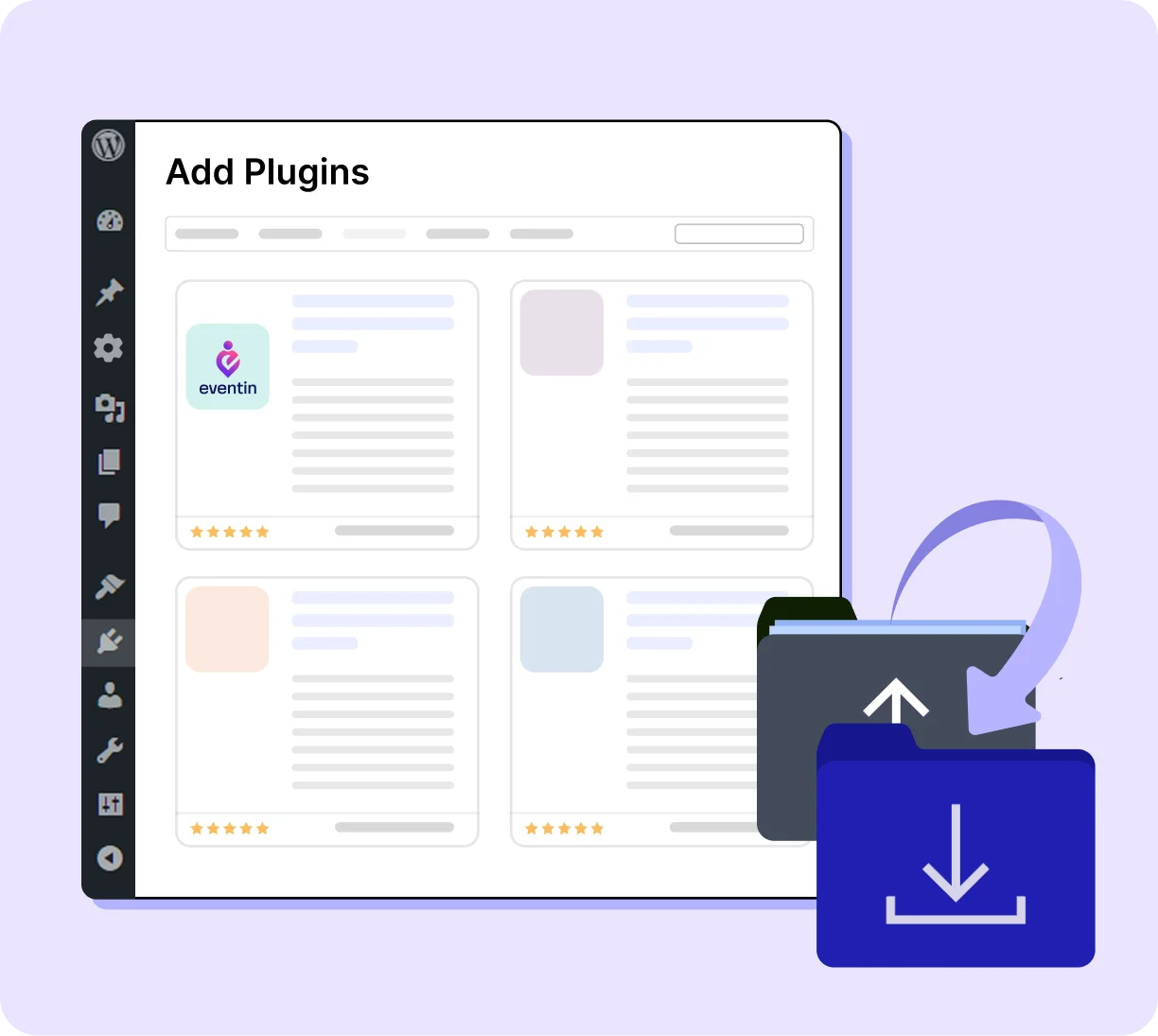
Install Eventin on your WordPress website and activate it. The Eventin menu appears in your sidebar immediately.
Display and manage event calendars seamlessly.

Turn a complex multi-day programme into a clean, navigable calendar.

Replace your paper schedule with a live, always-current class calendar.

Give visitors a full picture of your upcoming programme at a glance.

Manage a public-facing academic calendar that students and staff can all navigate.

Run a multi-organiser calendar where others submit their own listings.
Eventin is designed to manage WordPress calendar with ticketing, registration, and booking in a complete event management system.
Many SaaS platforms provide multiple layout options as Pro features; the free version covers only basic display. Eventin includes monthly grid, weekly, daily, list, and countdown views in the free plan. Visitors can switch between them on the front end without extra cost.
Eventin stores all event data inside your WordPress database, giving you full control over your calendar and attendee information. You can export, manage, or migrate your data anytime without relying on a third-party platform.
Add your event calendar anywhere using a shortcode or the native Elementor widget. You can customize layout, categories, and views directly from your dashboard and display your WordPress calendar with ticketing on any page without coding.
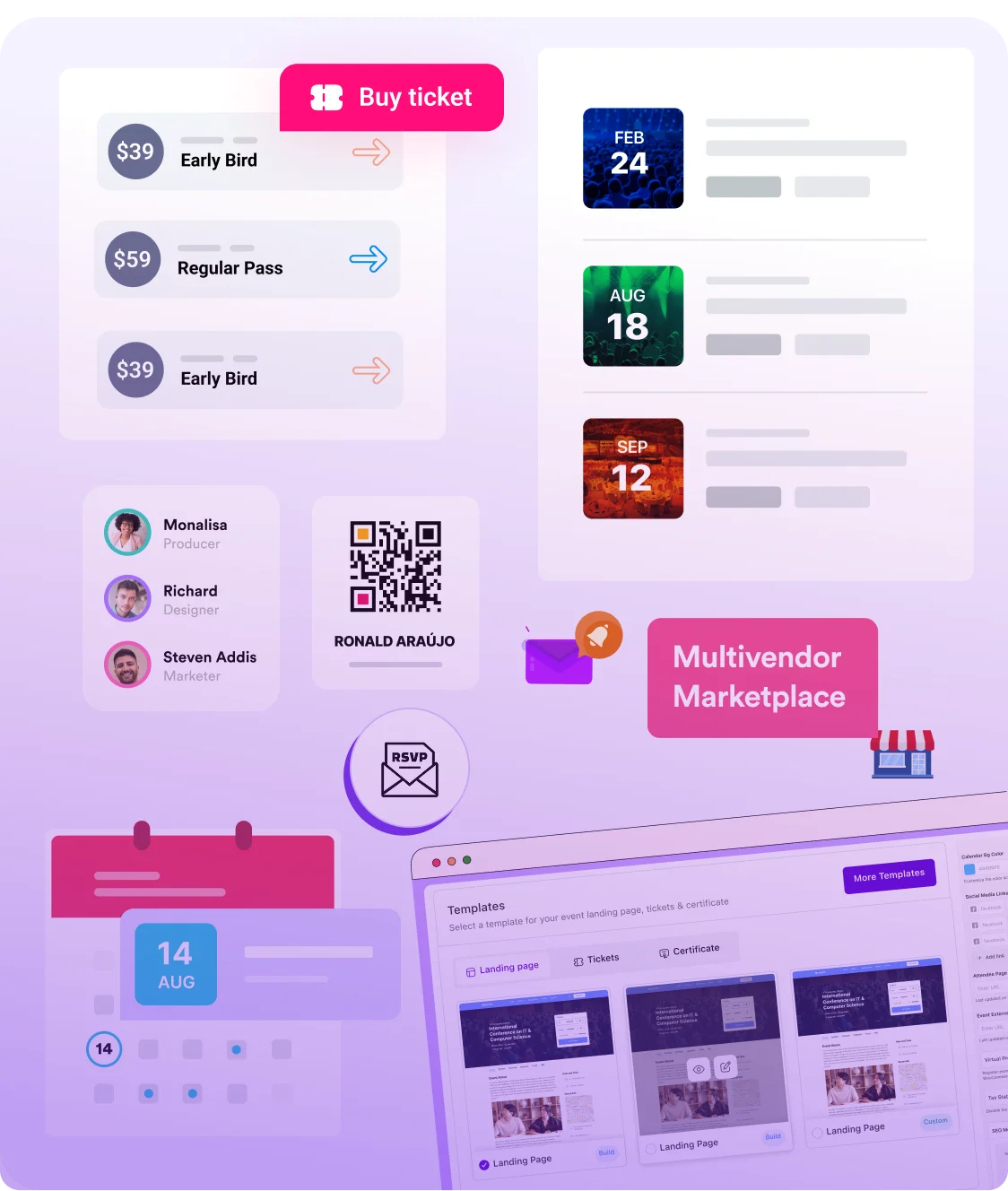
Eventin connects your calendar with event registration and booking features. Collect attendee details using custom fields, manage bookings, and automate confirmations directly from your WordPress site without installing additional plugins.
Accept payments through WooCommerce and support multiple currencies for global attendees. Eventin also includes QR code check-in, so you can manage entry smoothly and track attendance in real time from registration to event day.
"To start with, Eventin is a great calendar and event-management plugin. There are only a few things I would do to improve it. Among the options, it's one of the very best."

"I really like the Eventin plugin - it's powerful, full of features, and perfect for managing concerts and ticket sales. The support team responds quickly and helps with every question!"
"I appreciate the answers and willingness to help by support, for what already is a solid product for any event type."
"I've been using the Eventin plugin for my WordPress site and honestly, it's been a game changer for managing events. Everything from setting up tickets to integrating..."
"EventIn is a solid events management plugin that is ticking all of the right boxes. It is easy to use, from a talented team, is well coded..."

"Easy to use and customize to your needs – fast reply on support tickets."
"Had an issue with the event not sorting correctly, emailed the team and they quickly looked into the issue and resolved it. Appreciate their quick response and willingness to work through the issue."
"Super easy to work with! The support team is amazing too when I've encountered an issue. I look forward to seeing this app develop further. I would love to easily be able..."
"The support is timely as they never miss to follow up with users. A great innovative plugin. The plugin has great features for any booking businesses."

"We use Eventin Pro and the support from ThemeWinter has been exceptionally good."
Yes. Eventin's free version includes multiple calendar views, category colour coding, event filtering, recurring events, Google Calendar sync, iCal export, venue pages, organiser pages, countdown timers, and automatic event schema markup. No credit card required.
Yes. Eventin includes monthly grid, weekly, daily, list, and countdown views — all free. Visitors switch between views on the front end. No add-on required to unlock any view.
Yes. Set a recurring schedule — daily, weekly, monthly, or a custom pattern — and Eventin populates every future occurrence on the calendar automatically. Each occurrence is a separate calendar entry displayed on the correct date.
Yes. Eventin's front-end calendar filters by category, location, date range, and event type simultaneously. Filters update results instantly without a page reload.
Yes. Every Eventin event page includes a one-click "Add to Google Calendar" and "Add to iCal" button, pre-populated with the correct event details. No manual entry required for attendees.
Yes. Eventin includes a front-end event submission form. Approved users submit events without needing WordPress admin access. Submissions go through an approval workflow before appearing publicly on the calendar.
Yes. Eventin includes a native Elementor widget that lets you add and configure the event calendar directly from the Elementor sidebar with live preview.
Yes. Eventin's calendar views are fully responsive and work well on mobile, tablet, and desktop devices. Visitors can browse and filter events on any device.
Manage events and sell tickets with the Eventin event management plugin inside WordPress.
Subscribe for updates
© Copyright 2026 eventin. All rights reserved.

Optimize Your WordPress Business with AI-powered Plugins: We Deliver More Than Tools; We Deliver Solutions.
By submitting your email, you agree to our Terms & Privacy Policy
Copyright © 2013-2026 ThemeWinter - A Brand of Arraytics.
Lead Generation Popups
Booking Management