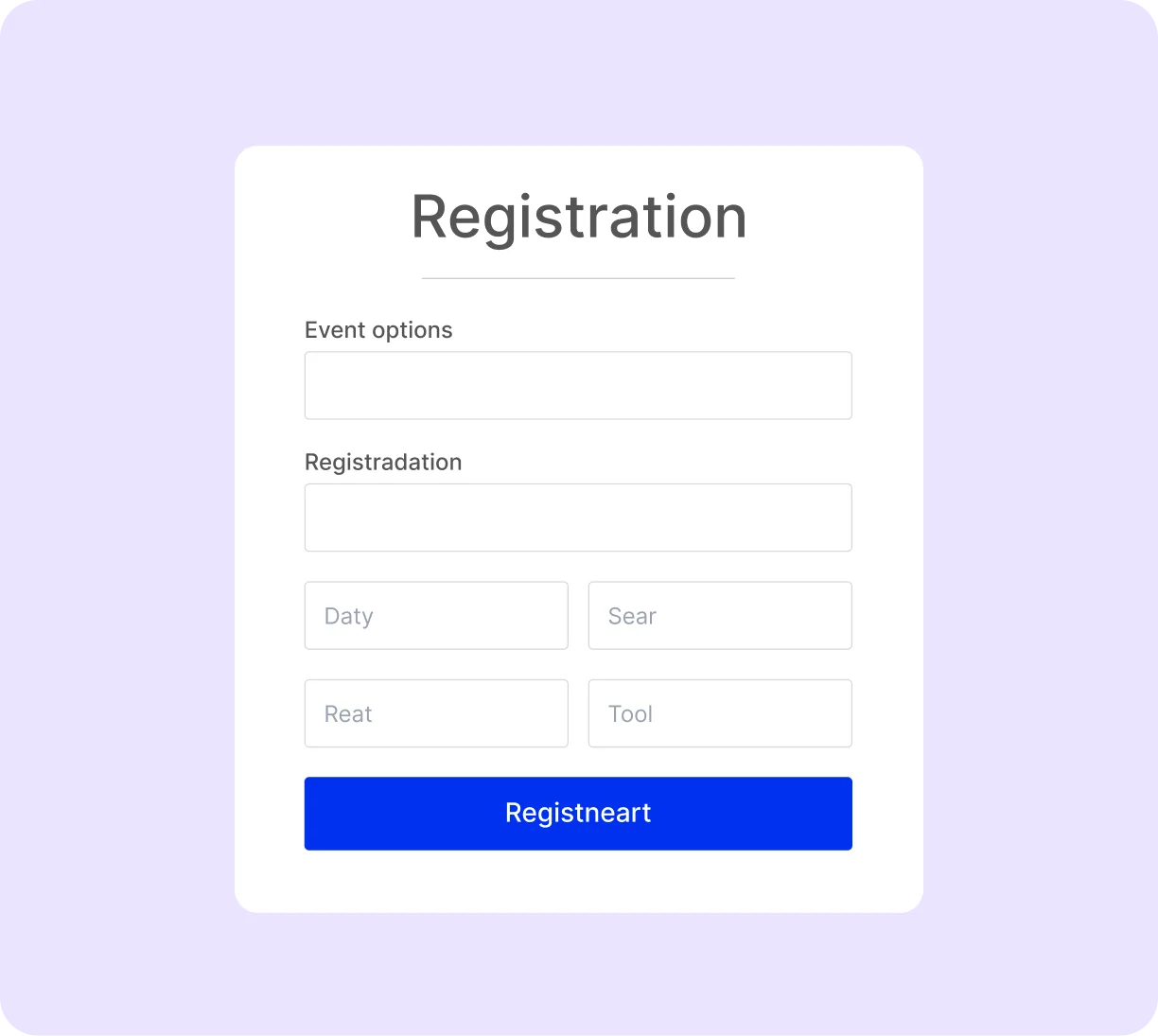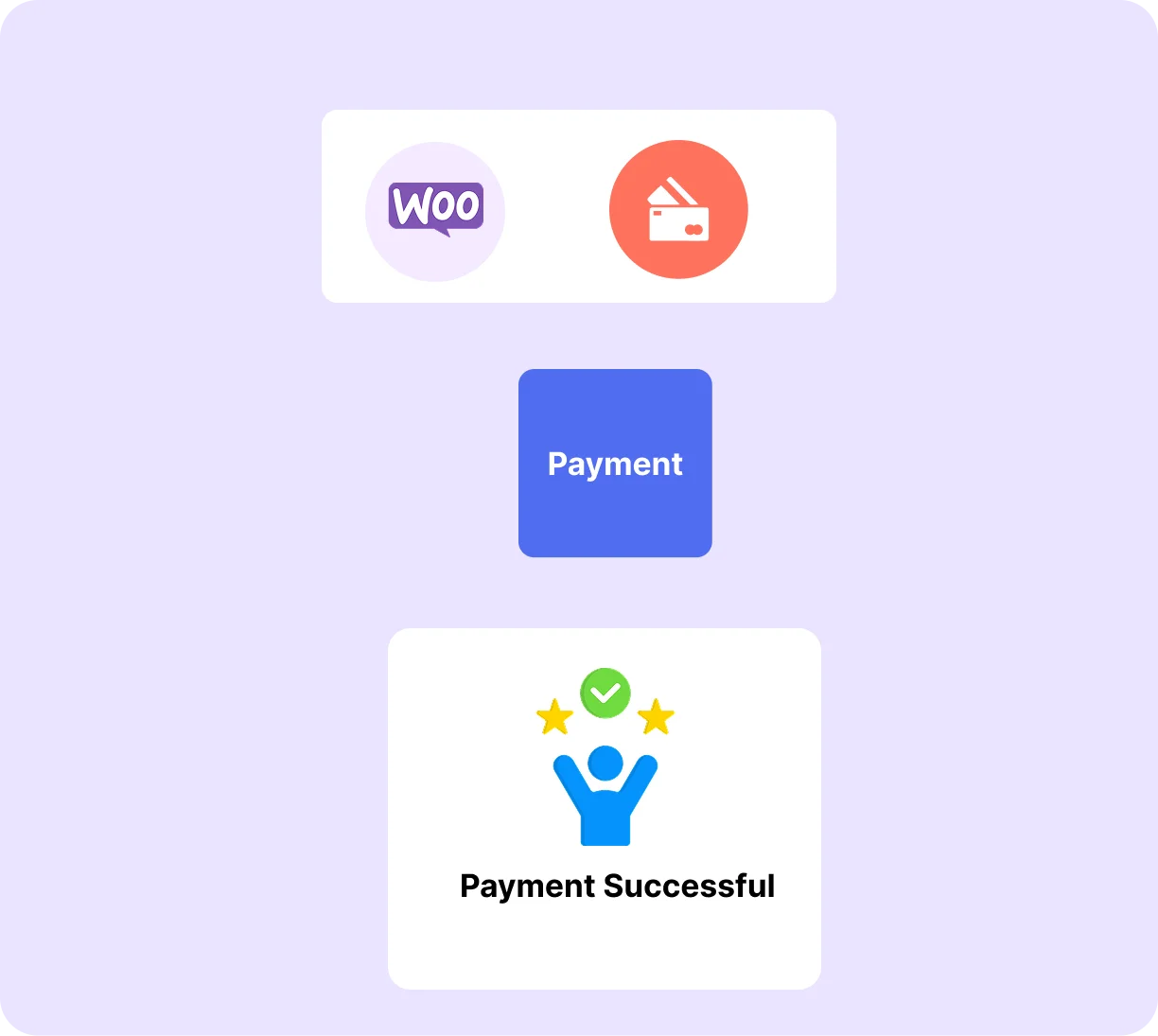

Collect registrations directly on your WordPress site, send instant confirmation emails, cap attendance automatically, and check in every guest on event day. All from one plugin, with no third-party platform required.

Add a clean, conversion-focused event registration form directly to your event page without using extra plugins or shortcodes. Attendees can enter their details, complete payment if required, and receive confirmation instantly. Use custom fields like text, dropdowns, and checkboxes to collect exactly the information your event needs.
Set Up Event Registration →
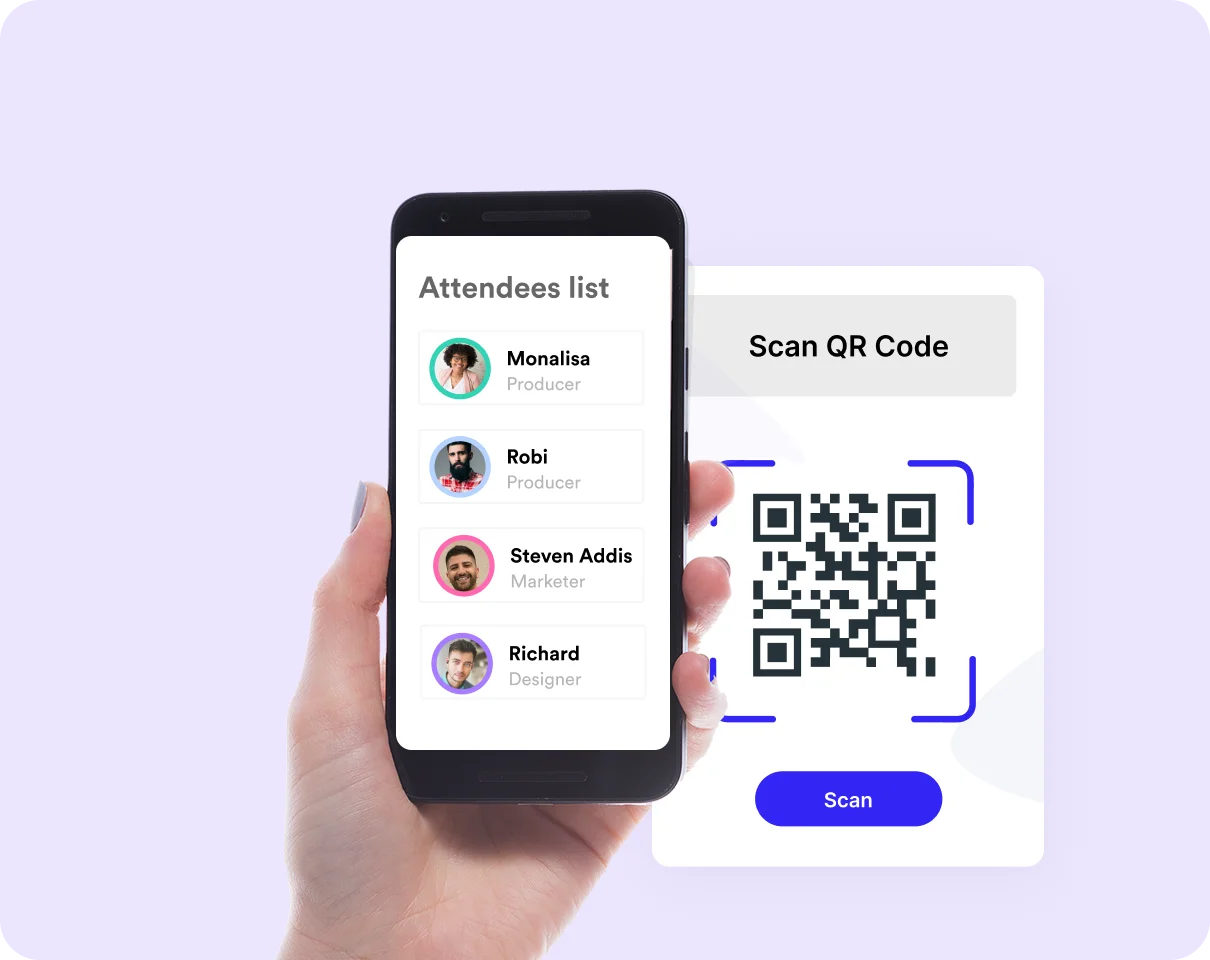
Every ticket sold through Eventin gets a unique QR code, automatically emailed to the attendee. On event day, open the Eventin check-in screen on any smartphone browser, scan, and you're done. Real-time duplicate prevention means the same ticket can't be scanned twice.
See How Check-In Works →Create and manage seating layouts visually within Eventin, without the need for external tools or spreadsheets. Assign seats as registrations come in and monitor availability in real time. This is useful for events that require structured seating, such as conferences, theatres, and formal gatherings.
Set Up Your Seating Plan →

As soon as someone registers, Eventin sends a confirmation email with event details, ticket information, and a QR code. You can customize the email design, add branding, and include important instructions so attendees are prepared before the event.
Customise Your Emails →Not everyone registers online. Eventin lets you add attendees manually walk-in guests, directly from your dashboard. Every manual entry is recorded the same way as an online registration, so your attendee list stays complete, accurate, and fully synced at all times.
Manage Attendees →

Eventin handles free registrations and RSVPs just as smoothly as paid ticketed events with the same confirmation emails, attendee management dashboard, and QR code check-in. One system to manage all types of events from a single dashboard.
Collect Free RSVPs →Genuine feedback and reviews from real users to prove our work is the best.
The world's most recognized brands trust Eventin.










If you want a plugin that handles registration start to finish, Eventin is the best free event registration plugin for WordPress to try.
How to Set Up Event Registration With Eventin
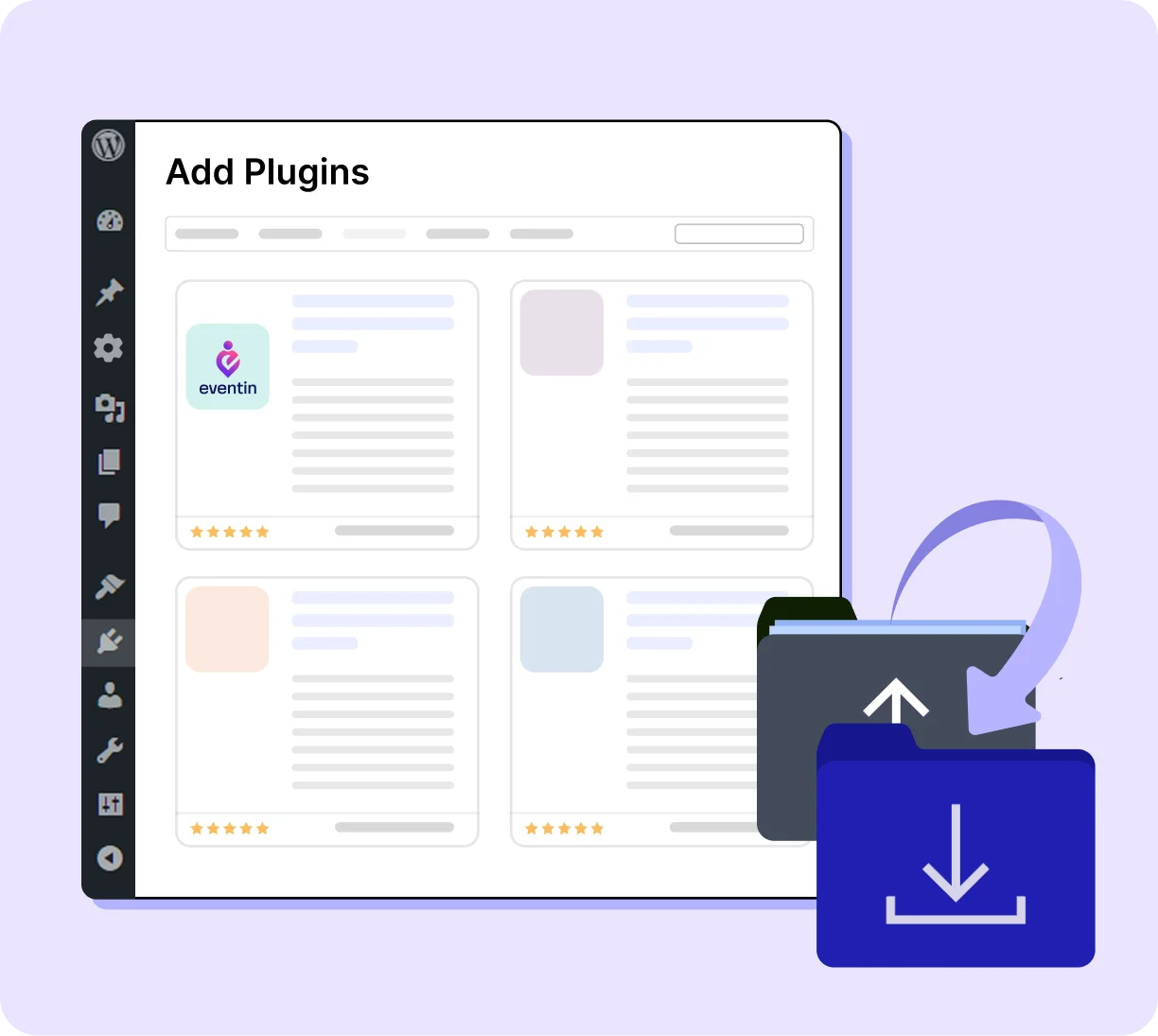
Install Booktics on your WordPress website and activate it. The Eventin menu appears in your sidebar immediately.
Sell tickets, manage attendees, and run check-ins seamlessly, whether you're hosting 50 people or 5,000.

Manage complex, multi-tier registrations from one dashboard.

Keep every session organised with automatic capacity enforcement.

Run free and donation-based registrations without a payment gateway.

From registration form to Zoom link - zero manual steps.

Handle back-to-back class registrations without double-booking.
Manage structured registrations for academic events and open days.
Eventin is the best WordPress RSVP plugin designed to simplify WordPress event sign-up forms and streamline the full registration process from one dashboard
Most competing registration plugins are add-ons that require a separate parent plugin just to function. Eventin is fully self-contained, with registration forms, attendee management, QR check-in, and confirmation emails all working out of the box, with nothing else to install.
Other plugins treat registration and check-in as two separate workflows, often requiring two separate plugins. In Eventin, the QR code generated at registration is the same one scanned at the door. Your attendee data flows from sign-up to check-in without any exports, imports, or manual steps in between.
Some plugins handle only free RSVPs, while others focus only on paid tickets. Eventin supports both in one system. You can collect free registrations, sell tickets, or run mixed events with multiple tiers without switching tools or adding extra plugins.
With third-party platforms, your attendee data is stored outside your control. Eventin keeps all registration data on your WordPress site, including names, emails, and event details. You can access, export, and use this data anytime without platform restrictions.
Eventin is designed for ease of use. Registration forms are added automatically to event pages, custom fields are created with simple options, and emails are customized using a visual editor. Most users can set up and start collecting registrations within minutes.
"To start with, Eventin is a great calendar and event-management plugin. There are only a few things I would do to improve it. Among the options, it's one of the very best."

"I really like the Eventin plugin - it's powerful, full of features, and perfect for managing concerts and ticket sales. The support team responds quickly and helps with every question!"
"I appreciate the answers and willingness to help by support, for what already is a solid product for any event type."
"I've been using the Eventin plugin for my WordPress site and honestly, it's been a game changer for managing events. Everything from setting up tickets to integrating..."
"EventIn is a solid events management plugin that is ticking all of the right boxes. It is easy to use, from a talented team, is well coded..."

"Easy to use and customize to your needs – fast reply on support tickets."
"Had an issue with the event not sorting correctly, emailed the team and they quickly looked into the issue and resolved it. Appreciate their quick response and willingness to work through the issue."
"Super easy to work with! The support team is amazing too when I've encountered an issue. I look forward to seeing this app develop further. I would love to easily be able..."
"The support is timely as they never miss to follow up with users. A great innovative plugin. The plugin has great features for any booking businesses."

"We use Eventin Pro and the support from ThemeWinter has been exceptionally good."
Yes. Eventin's free version includes registration forms, custom fields, capacity limits, confirmation emails, QR code generation, and attendee management. No credit card required to get started.
Yes. Eventin handles free event registrations and RSVPs without requiring a connected payment gateway. Attendees fill in the form, receive a confirmation email and QR code, and you manage the full list from your dashboard.
Yes. Eventin lets you add custom fields to any registration form, such as text inputs, dropdowns, checkboxes, and more. Collect dietary requirements, T-shirt sizes, emergency contacts, job titles, or any other information your event needs.
Eventin closes registration automatically when the attendee limit is reached and marks the event as sold out on the event page. The waitlist feature activates automatically, so latecomers can join the waitlist and receive a notification if a spot opens up.
Yes. A branded confirmation email with event details, the attendee's ticket, and their unique QR code is sent immediately on registration. You can customise the email template with your logo and any pre-event information attendees need.
Yes. Set a recurring schedule and Eventin creates individual registration inventories per session. A sold-out Monday class never affects available spots for Tuesday.
Yes. Eventin's Zoom integration automatically includes the meeting link in the registration confirmation email the moment someone signs up. No manual copy-pasting of links for each registrant.
No. Eventin is fully self-contained. Unlike some registration plugins that require The Events Calendar or another parent plugin as a dependency, Eventin installs and runs independently.
Manage events and sell tickets with the Eventin event management plugin inside WordPress.
Subscribe for updates
© Copyright 2026 eventin. All rights reserved.

Optimize Your WordPress Business with AI-powered Plugins: We Deliver More Than Tools; We Deliver Solutions.
By submitting your email, you agree to our Terms & Privacy Policy
Copyright © 2013-2026 ThemeWinter - A Brand of Arraytics.
Lead Generation Popups
Booking Management