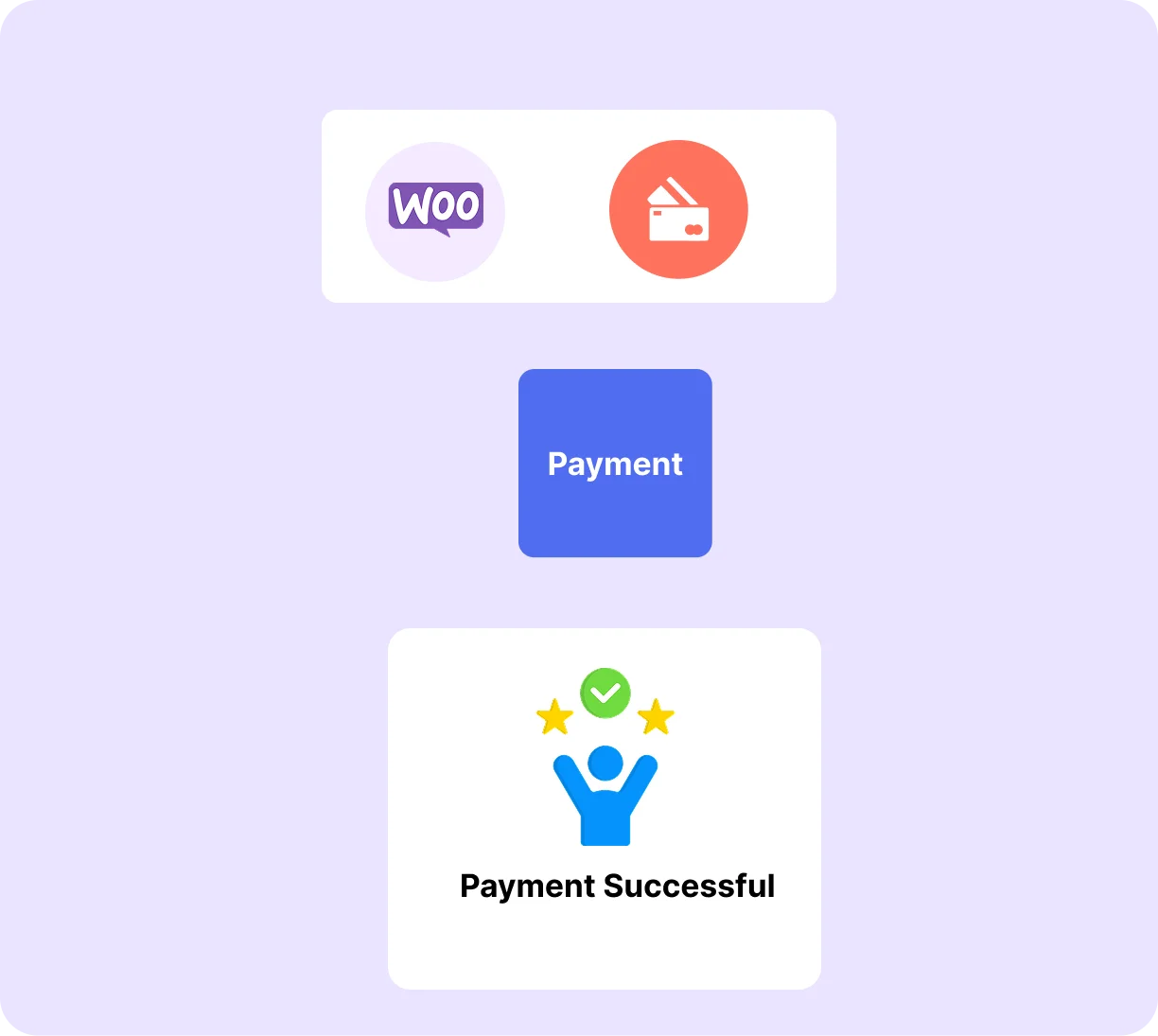

Sell tickets on your own site, accept payments directly through Stripe, PayPal, or WooCommerce, and manage every attendee from your WordPress dashboard with zero platform commission.

When you sell tickets with Eventin, payments go directly to your Stripe, PayPal, or WooCommerce account. Eventin takes nothing per transaction. You only pay your payment gateway's standard processing fee, which helps you protect your revenue and scale events without losing profit.
Start Selling Tickets →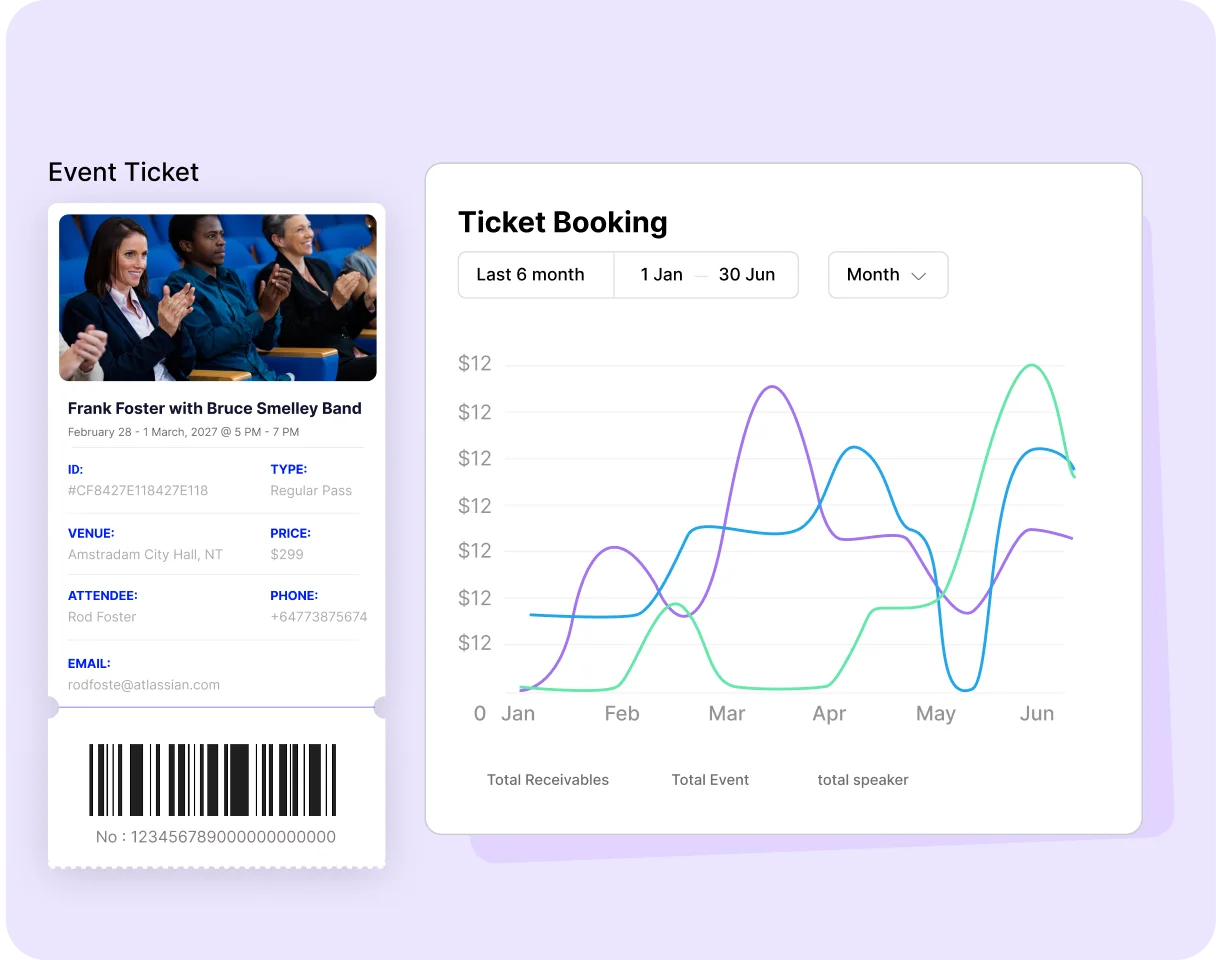
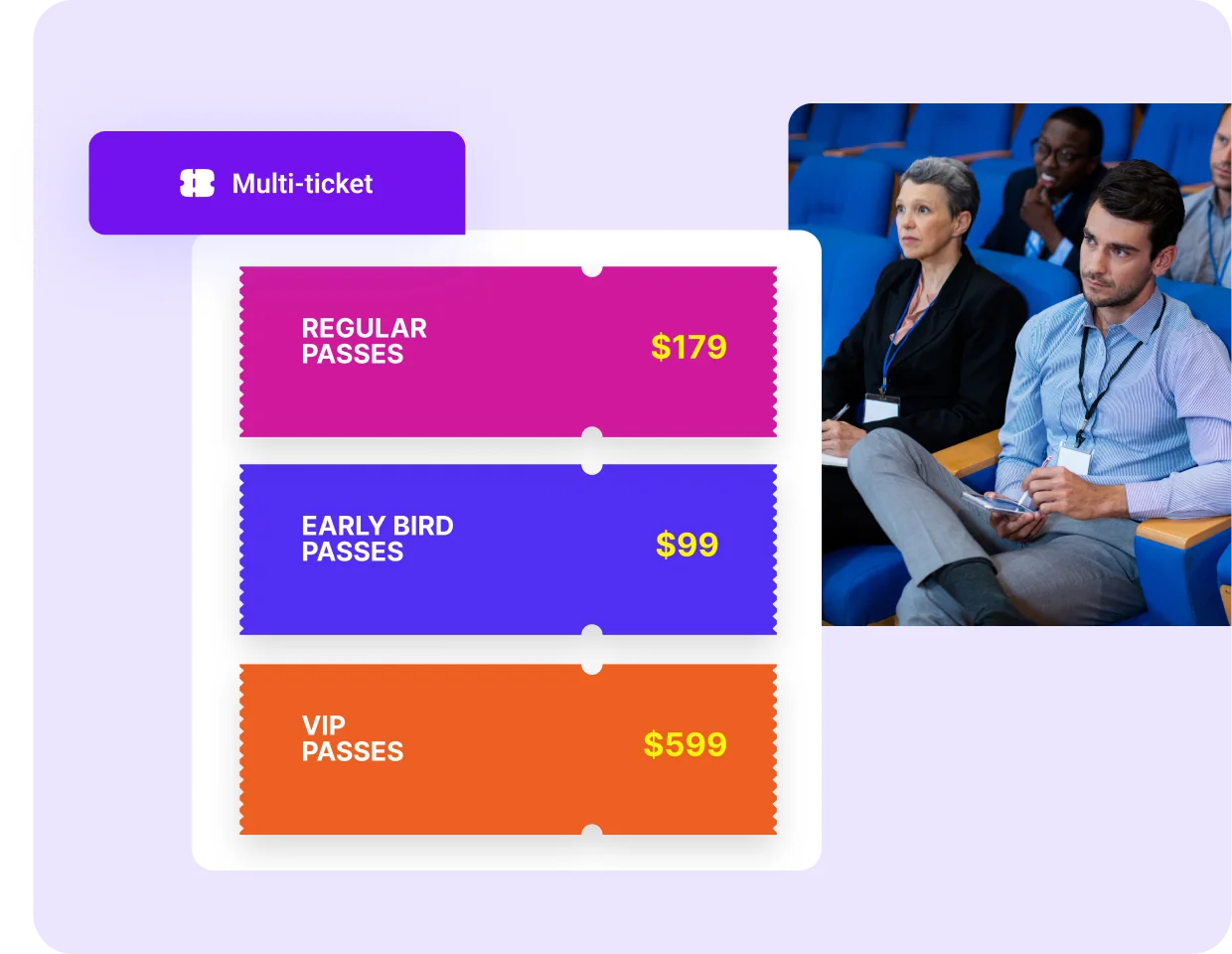
Create as many ticket tiers as your event needs: General Admission, VIP, and Early Bird. Each ticket can have its own price, quantity, and sale period. Manage everything from one dashboard and adjust your ticket strategy anytime without affecting your event structure.
Create Your First Event →Every ticket generated with Eventin includes a unique QR code that is automatically sent to attendees after purchase. On event day, scan tickets using any smartphone browser and track check-ins in real time. Built-in duplicate protection ensures that each ticket can only be used once, reducing entry issues.
See How Check-In Works →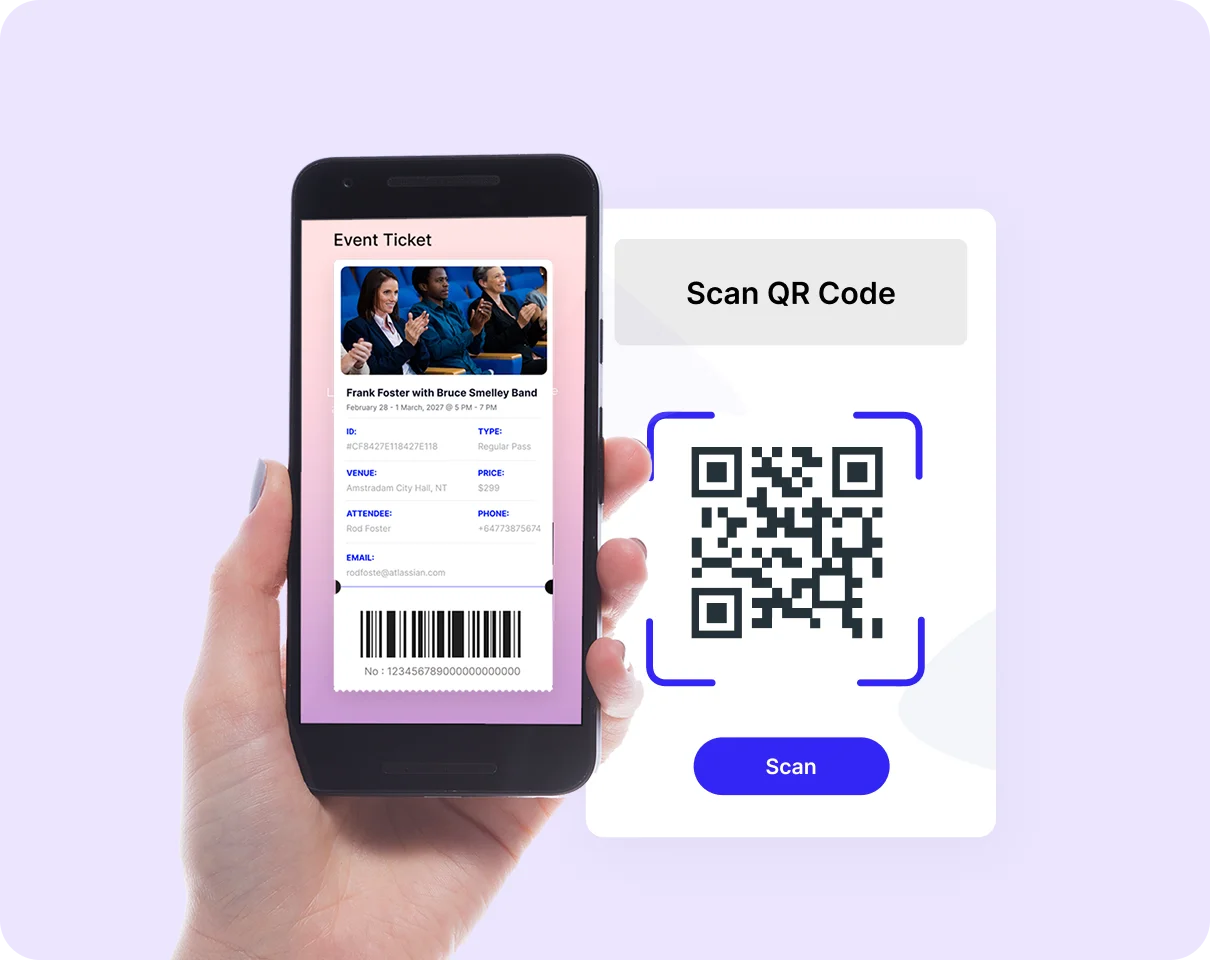
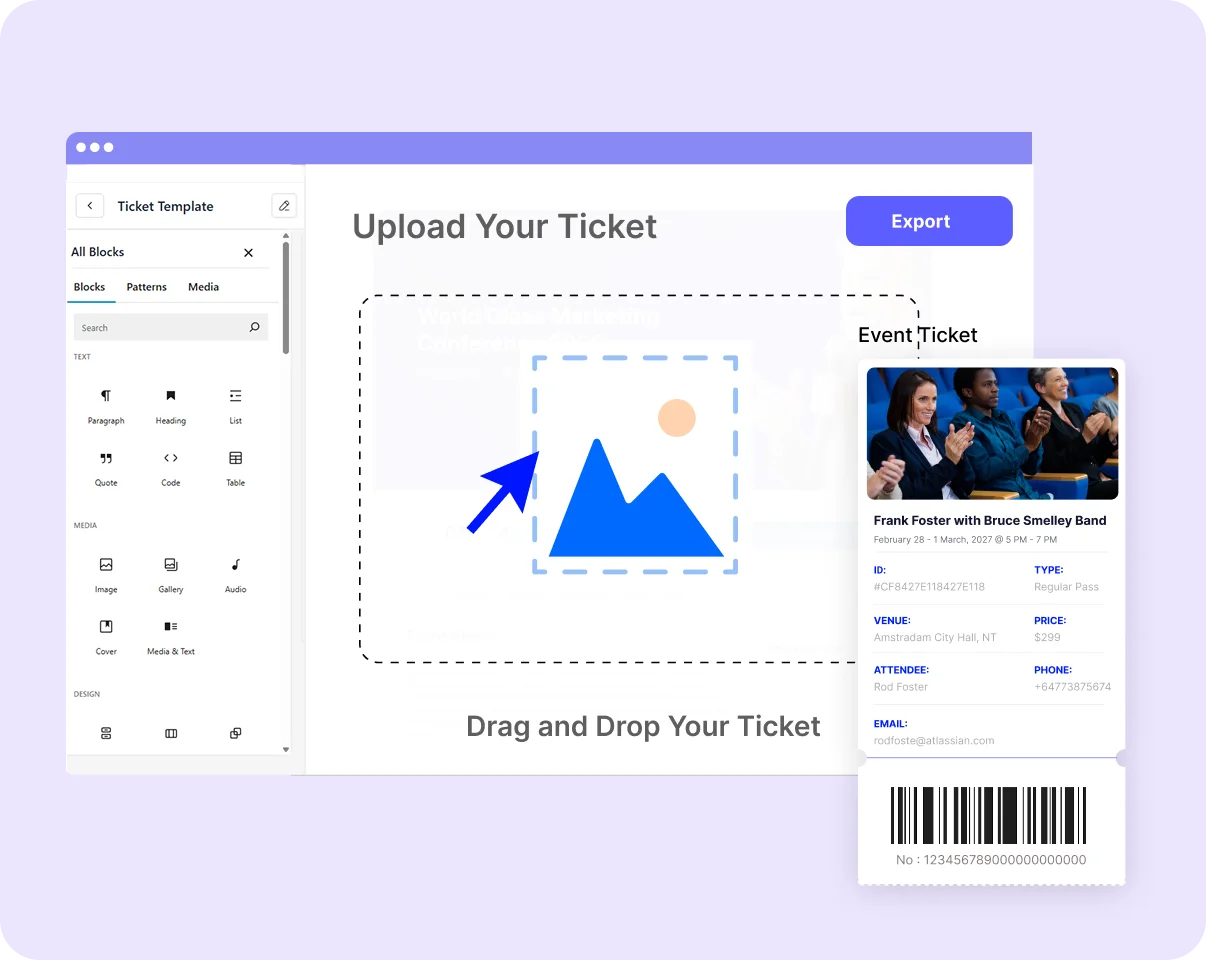
Customize your ticket layout using our template builder, with page builder support like Gutenberg and Elementor. Add your logo, adjust colors, and control what information appears on each ticket. Deliver clean, professional tickets that reflect your brand identity and improve the overall attendee experience from purchase to entry.
Design Your Ticket →Eventin integrates directly with WooCommerce, SureCart, and FluentCart, no third-party bridge or extra add-on needed. All payment methods your store already supports, including Stripe, PayPal, and local bank transfers, work seamlessly for ticket purchases.
Set Up Event Tickets →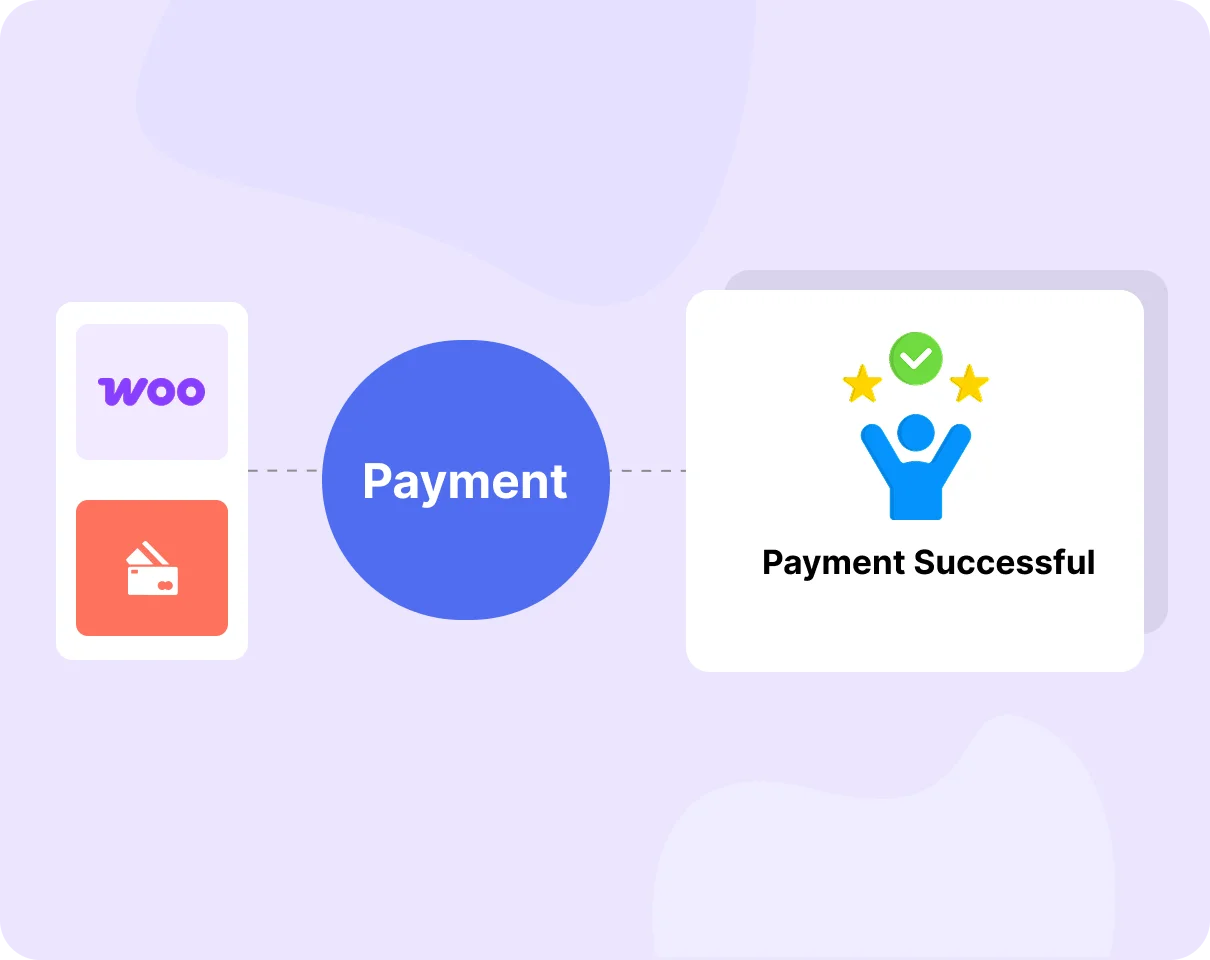
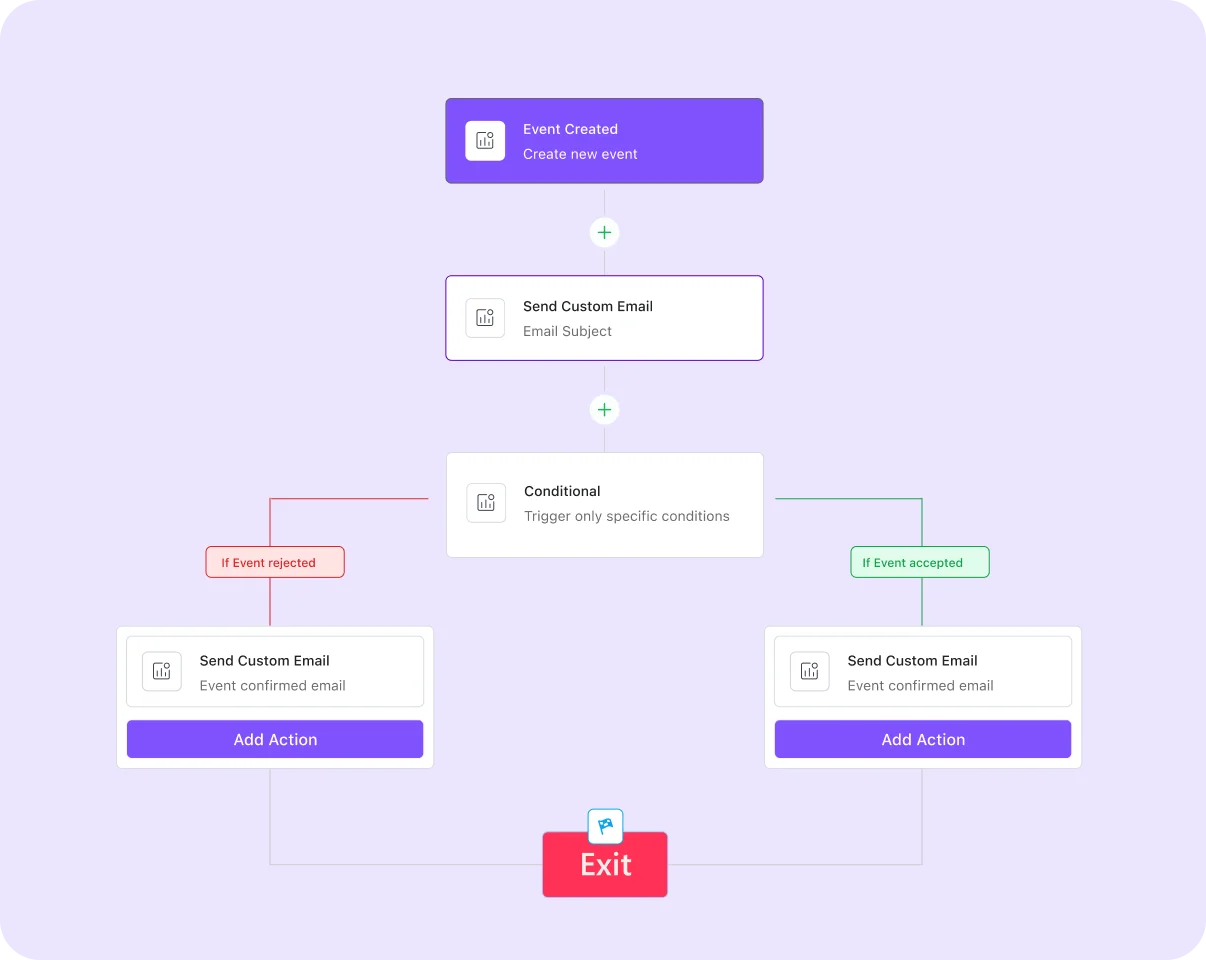
Eventin sends a booking confirmation email immediately when a ticket purchase is complete, with the event details, the attendee's ticket, and their unique QR code all in one email. You can customize the email template, add your logo, and send different emails for different event types, ticket tiers, or stages of the attendee journey.
Customize Your Email Template →Genuine feedback and reviews from real users to prove our work is the best.
The world's most recognized brands trust Eventin.










If you want a plugin built for selling and managing event tickets, Eventin is the best free event ticketing plugin for WordPress you can try.
How to set up event tickets with Eventin
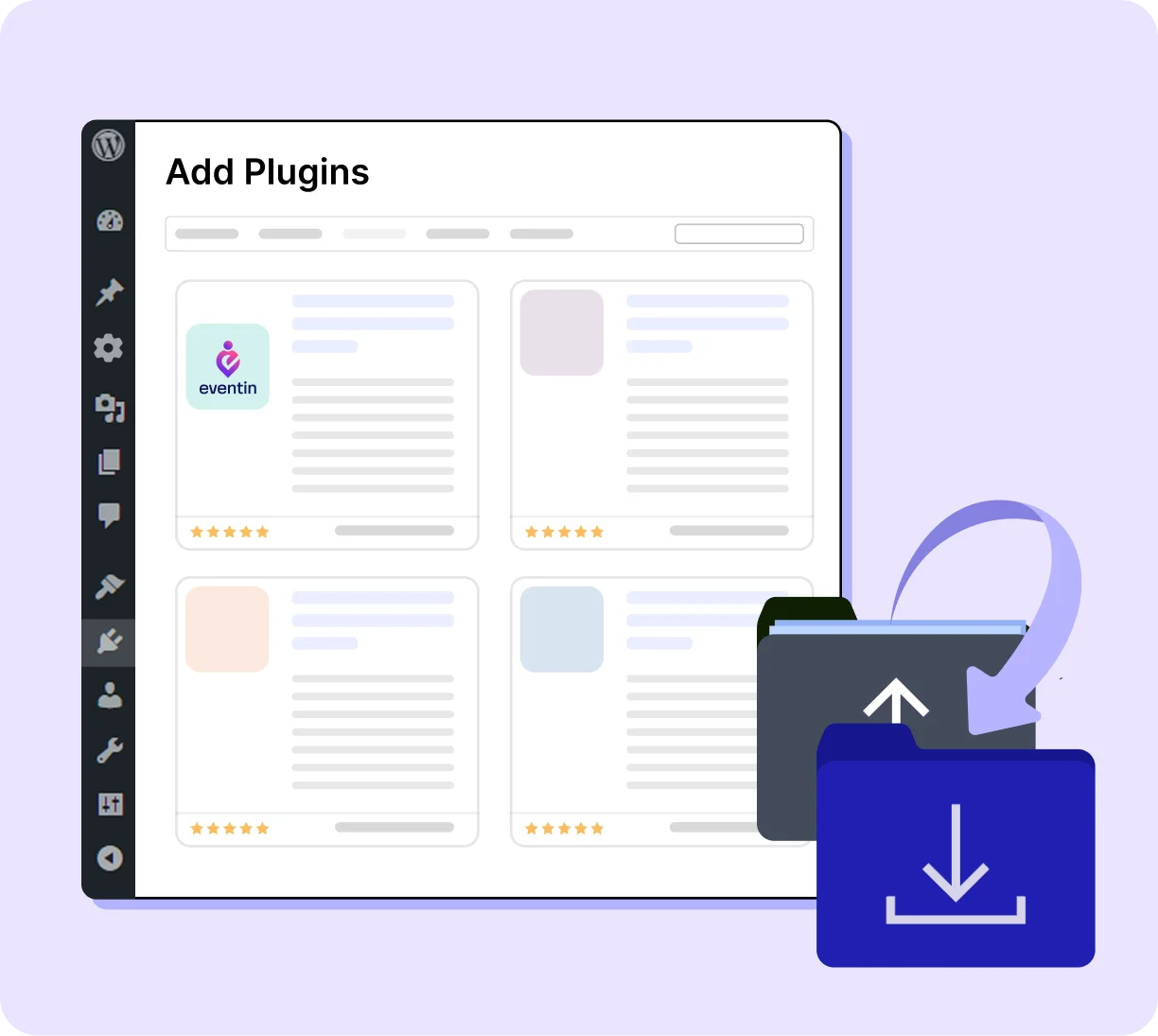
Install Eventin on your WordPress website and activate it. The Eventin menu appears in your sidebar immediately.
Sell tickets, manage attendees, and run check-ins seamlessly, whether you're hosting 50 people or 5,000.

Turn your multi-day event into a fully managed ticketing experience.

Keep registrations organized, whether it's a one-off or a recurring series.

Sell out the show without giving a cut to ticketing platforms.

Registration through to the Zoom or Google Meet link is completely automated.

Built for studios running back-to-back sessions all week.
Handle high-volume registrations without the tech headache.
Eventin is a transparent, organizer-first, and commission-free WooCommerce event tickets solution.

Create and sell event tickets directly from your website without relying on third-party tools or platforms. Everything is managed inside your WordPress dashboard, making ticket sales simple and centralized.
Event organizers can set up multiple ticket types-such as early bird, regular, or VIP-and control pricing, quantity, and availability for each. This allows you to manage ticket sales

Many SaaS platforms take a percentage of every ticket plus additional service fees, which can add up quickly. Eventin charges no commission, so you keep all your earnings and increase your revenue.

When you sell tickets on a SaaS platform, your attendee's email belongs to their database first and yours second. With Eventin, every attendee name, email, purchase record, and check-in timestamp lives on your own WordPress server. No platform lock-in. No data is held hostage if you cancel an account.

Unlike most plugins that lock key features, multiple ticket types, and WooCommerce integration behind paid plans. Eventin gives you everything you need in the free version from day one, no credit card required.

Speed matters when it comes to filling seats. With seamless scheduling and ticketing, attendees can instantly choose their preferred time or event without back-and-forth communication. This reduces drop-offs and keeps your event pipeline moving efficiently.
"To start with, Eventin is a great calendar and event-management plugin. There are only a few things I would do to improve it. Among the options, it's one of the very best."

"I really like the Eventin plugin - it's powerful, full of features, and perfect for managing concerts and ticket sales. The support team responds quickly and helps with every question!"
"I appreciate the answers and willingness to help by support, for what already is a solid product for any event type."
"I've been using the Eventin plugin for my WordPress site and honestly, it's been a game changer for managing events. Everything from setting up tickets to integrating..."
"EventIn is a solid events management plugin that is ticking all of the right boxes. It is easy to use, from a talented team, is well coded..."

"Easy to use and customize to your needs – fast reply on support tickets."
"Had an issue with the event not sorting correctly, emailed the team and they quickly looked into the issue and resolved it. Appreciate their quick response and willingness to work through the issue."
"Super easy to work with! The support team is amazing too when I've encountered an issue. I look forward to seeing this app develop further. I would love to easily be able..."
"The support is timely as they never miss to follow up with users. A great innovative plugin. The plugin has great features for any booking businesses."

"We use Eventin Pro and the support from ThemeWinter has been exceptionally good."
A WordPress event ticketing plugin allows you to create events and sell tickets directly from your website. It manages ticket sales, attendee registration, payments, and event check-ins from a single dashboard.
Yes. Eventin WordPress event ticketing plugin lets you sell tickets directly on your site. Visitors can choose a ticket, complete payment, and receive their ticket automatically by email.
No. Eventin does not charge a platform commission on ticket sales. Payments go directly from the attendee to your payment gateway account. The only fee involved is the normal processing fee from your payment provider.
Yes. Eventin supports unlimited ticket types for each event. You can create Early Bird, VIP, General Admission, and group tickets. Each ticket type can have its own price, capacity limit, and sale period.
Eventin supports Stripe and PayPal out of the box. Additionally, through integrations with WooCommerce, FluentCart, and SureCart, you can use a wide range of payment gateways, depending on the platform you choose.
Yes. Eventin integrates with WooCommerce, allowing you to use your existing checkout system and payment gateways. Ticket purchases appear as WooCommerce orders, so you can manage payments and orders directly from the WooCommerce dashboard.
Yes. Eventin supports virtual and hybrid events. You can integrate Zoom so attendees automatically receive the meeting link after purchasing a ticket, making it easy to run webinars, online workshops, and virtual conferences.
Manage events and sell tickets with the Eventin event management plugin inside WordPress.
Subscribe for updates
© Copyright 2026 eventin. All rights reserved.

Optimize Your WordPress Business with AI-powered Plugins: We Deliver More Than Tools; We Deliver Solutions.
By submitting your email, you agree to our Terms & Privacy Policy
Copyright © 2013-2026 ThemeWinter - A Brand of Arraytics.
Lead Generation Popups
Booking Management